
Tusk Casino on your phone
No app, no download, no waiting. Tusk Casino is built in HTML5, so the full lobby, cashier and live tables run straight in your browser on iOS and Android. Open the site, log in and play 7,000+ games — the same account and the same R300 no-deposit start you would get on desktop.
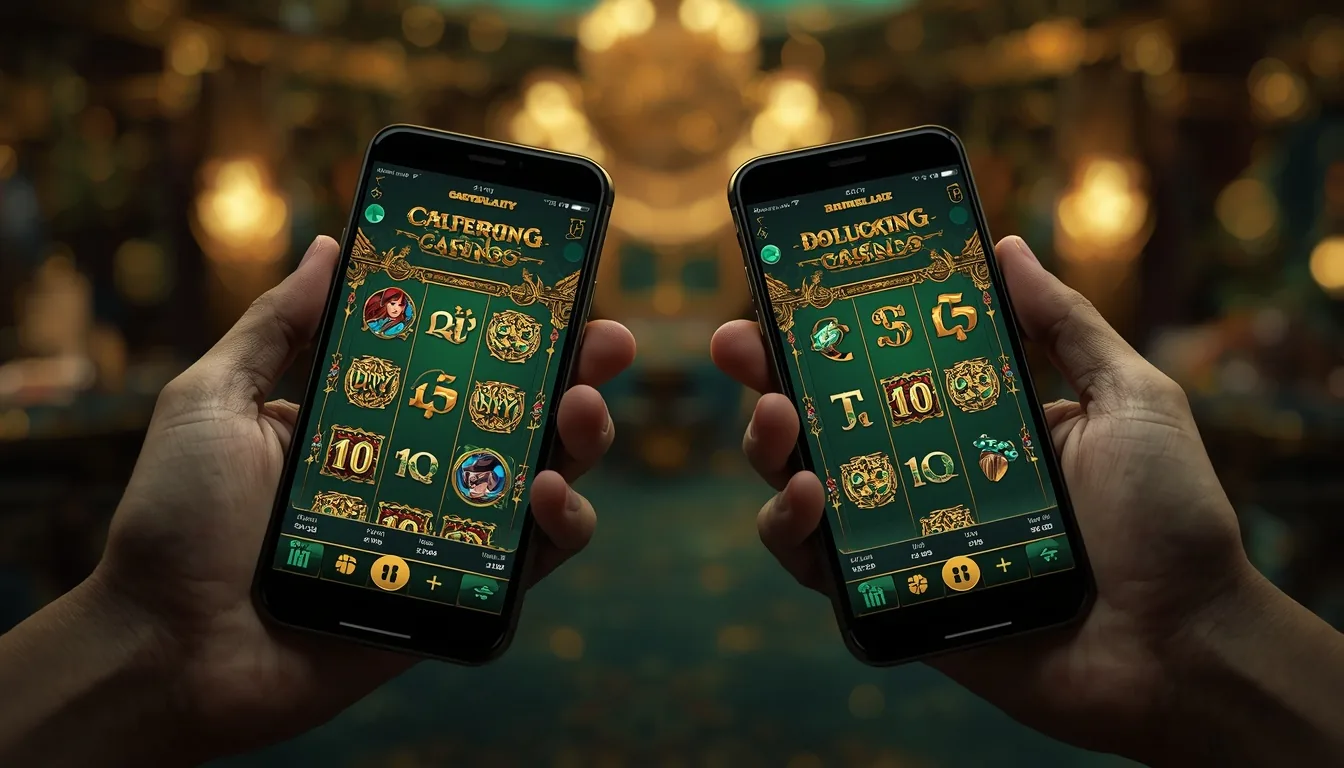
Why there is no app — and why that is fine
The first question South African players ask about mobile is "where do I download the app?" — and the honest answer is that you do not. Tusk Casino is a fully responsive HTML5 site, which means the entire product is delivered through your phone's browser rather than a packaged application. There is nothing to install from the App Store or Google Play, nothing to update, and no storage taken up on your device. You simply open the site, sign in, and the lobby, the cashier, the live tables and your account tools are all there, scaled to your screen.
This browser-first approach has quietly become the norm for serious offshore casinos, and for good reason. A web build sidesteps the App Store's restrictions on real-money gambling apps, it updates instantly for everyone the moment the operator ships a change, and it behaves identically whether you are on an iPhone, an Android handset or a tablet. Practically, it also means a player who already enjoys the desktop review experience can switch to a phone mid-session and pick up exactly where they left off, because it is the same site and the same account — not a stripped-down companion app.
What follows is a clear-eyed look at the mobile experience: which devices and browsers are supported, how much mobile data different activities consume, how quickly the casino loads on a typical South African connection, and how the mobile feature set compares to desktop. We close with a short guide to adding a home-screen shortcut so the casino opens in a single tap, app-style, without any of the downsides of an actual download.
Mobile at a glance
Device and browser compatibility
Because the casino is a website, the only real requirement is a modern browser with HTML5 support — which every phone sold in the last several years has. Here is how the common South African device and browser combinations perform.
| Device | Recommended browser | Support | Notes |
|---|---|---|---|
| iPhone (iOS 15+) | Safari | Full | Add to Home Screen for one-tap launch |
| iPad (iPadOS 15+) | Safari | Full | Large-screen lobby layout |
| Android phone (10+) | Chrome | Full | Works in Firefox, Edge, Samsung Internet too |
| Android tablet | Chrome | Full | Landscape live tables |
| Older Android (8–9) | Chrome (updated) | Good | Heavy live games may load slower |
| Desktop / laptop | Any modern browser | Full | Same site, larger viewport |
An up-to-date browser and a stable connection give the best experience. 18+ only — play responsibly.
What ZA players actually use
South African mobile play skews Android-heavy, which mirrors the wider local handset market, with iOS taking a solid minority and a small share still playing on desktop. The donut below shows an indicative split of how Tusk players reach the casino.
Operating-system share among ZA players
Indicative share of sessions by platform
Built for the local market
With nearly nine in ten sessions happening on a phone, the casino's mobile-first build is not an afterthought — it is the main way South Africans play. The Android lead reflects local device pricing, and because the experience is browser-based, an entry-level handset runs the same lobby as a flagship, just with slightly longer load times on the heaviest live games.
That universality is the quiet strength of the HTML5 approach. Whatever you own, you reach the full library covered on our slots and live casino pages without compromise.
How much data mobile play uses
Data matters when you are on a capped plan. The good news is that slots and table games are light; the one activity to watch is live-dealer streaming, which sends HD video and is by far the heaviest part of the casino.
| Activity | Per hour | Data load | Notes |
|---|---|---|---|
| Browsing the lobby | 5–15 MB | Very light | Mostly thumbnails and menus |
| Playing slots | 30–50 MB | Light | Assets cache after first load |
| Table games (RNG) | 40–60 MB | Light | Blackjack, roulette, baccarat |
| Live dealer (SD) | 150–250 MB | Moderate | Lower video quality setting |
| Live dealer (HD) | 250–400 MB | Heavy | Wi-Fi recommended |
Figures are estimates and vary by game, video quality and connection. Use Wi-Fi for extended live-dealer sessions. 18+ only.
How fast the casino loads
Because the lobby is lightweight and assets cache after the first visit, the casino opens quickly even on modest connections. The bar chart shows a typical first-load time for the lobby across common South African connection types.
Average lobby load time by connection (seconds)
First load · subsequent visits are faster thanks to caching
Desktop vs mobile: what changes
The headline is that almost nothing changes. Mobile is the same casino at a different size, with full access to games, bonuses and banking. The table below confirms parity across the features players care about.
| Feature | Desktop | Mobile (browser) |
|---|---|---|
| Full game library (7,000+) | Yes | Yes Parity |
| Live dealer tables | Yes | Yes |
| R300 no-deposit bonus | Yes | Yes |
| Welcome match & spins | Yes | Yes |
| Cashier (deposit/withdraw) | Yes | Yes |
| 24/7 live chat support | Yes | Yes |
| Install required | No | No App-free |
Data use climbs with the heavier games
Plotting cumulative data against activity makes the gap obvious: an hour of slots barely registers, while an hour of HD live dealer can use ten times as much. The area chart below tracks cumulative mobile data across a session by activity intensity.
Cumulative data by activity intensity (MB over one hour)
Higher line means heavier data use · lobby lowest, HD live highest
Add a home-screen shortcut
You cannot install Tusk from an app store, but you can do the next best thing: pin it to your home screen so it opens in one tap with its own icon, just like an app — and with none of the storage cost.
- Open the casino. Visit the Tusk Casino site in Safari on iPhone or Chrome on Android and let the lobby load.
- Open the browser menu. On iOS tap the Share icon at the bottom; on Android tap the three-dot menu at the top right.
- Choose "Add to Home Screen". On iOS select Add to Home Screen; on Android select Add to Home screen or Install.
- Name and confirm. Keep or edit the label, then confirm. An icon is created instantly with nothing downloaded.
- Launch in one tap. Tap the new icon any time to jump straight into the casino in a clean, full-screen browser view.
Once pinned, signing in, claiming the no-deposit bonus from our bonuses page and funding via the methods on our payments page all work exactly as they do on desktop. New here? Start with the registration guide.
Play Tusk Casino on any phone
No app, no download, no storage used — just open the site in your browser on iOS or Android and claim your R300 no-deposit start. Play responsibly — 18+.
Mobile FAQ
Is there a Tusk Casino app to download?
No. Tusk Casino is built in HTML5 and runs entirely in your mobile browser on both iOS and Android, so there is nothing to install from the App Store or Google Play. You play the full casino through the browser.
Does it work on iPhone and Android?
Yes. It runs on modern iPhones and iPads in Safari and on Android phones and tablets in Chrome or any current browser. The same account, cashier and 7,000+ games are available everywhere.
Can I claim bonuses and withdraw on mobile?
Yes. Everything works on mobile, including the R300 no-deposit bonus, the welcome match, deposits from R25 and withdrawals. See the payments page for banking detail.
How much data does mobile play use?
Slots and table games are light at roughly 30–60 MB per hour. Live-dealer streaming is heaviest at around 250–400 MB per hour in HD, so use Wi-Fi for long live sessions.
How do I add it to my home screen?
Open the site, then choose Add to Home Screen on iOS Safari (via Share) or Add to Home screen on Android Chrome (via the menu). This creates a one-tap icon without installing anything.